
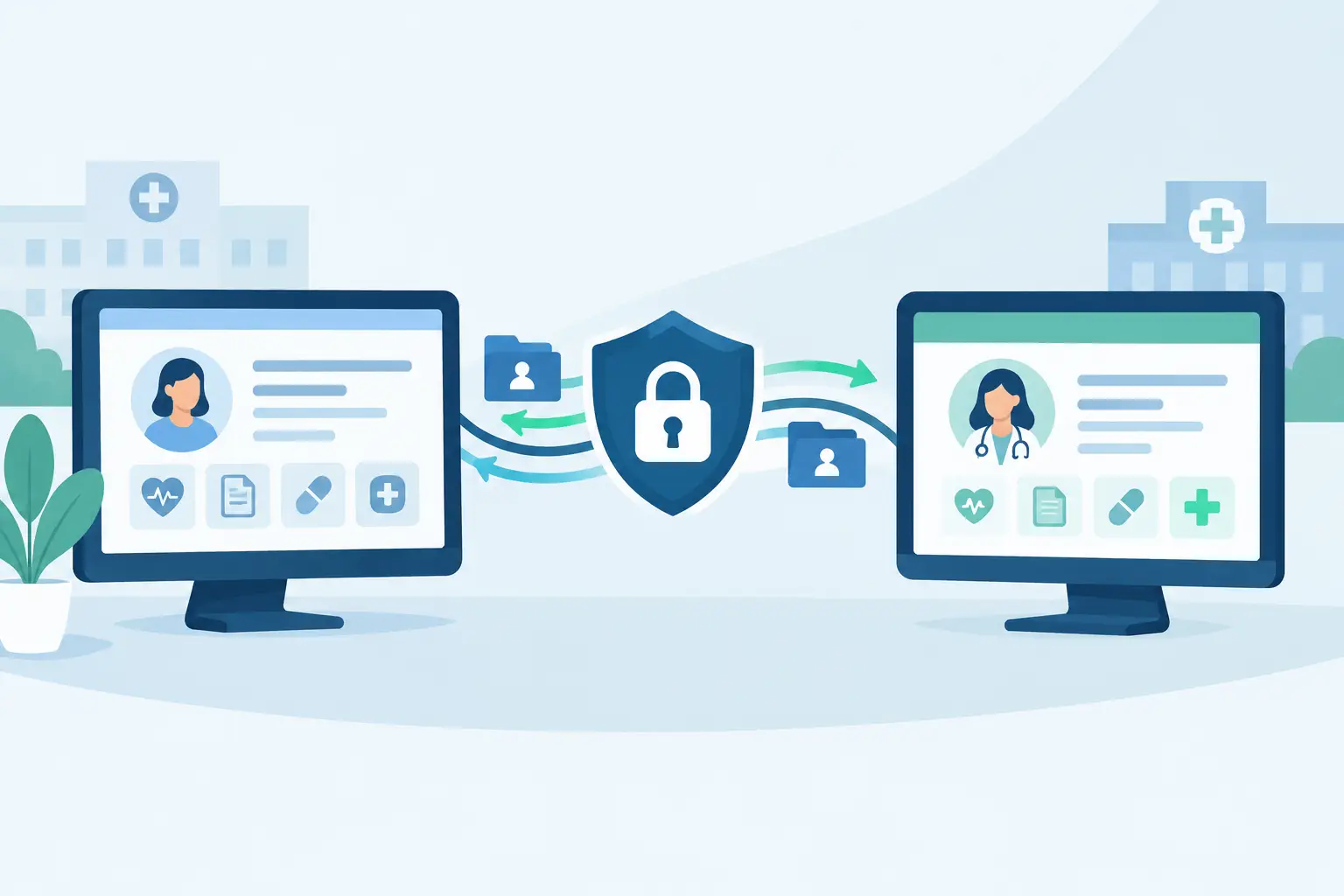
A system migration can expose years of clinical, financial and operational information at the exact point your organisation needs it most. To migrate patient data securely, a clinic needs more than an export file and a go-live date. It needs clear ownership, controlled access, tested data quality and a transition plan that keeps bookings, billing and patient communications moving.
For multi-site practices, the risk is not limited to a missing patient record. A poorly managed migration can create duplicate profiles, incomplete consent records, incorrect balances, double bookings and inconsistent reporting across locations. The objective is to move only the data you need, verify that it arrived accurately and give the right people access at the right time.
Start with a migration scope, not a data dump
The most common mistake is treating every record in a legacy system as equally valuable. Before any files are transferred, define the information required to operate safely from day one and the information that must be retained for legal, clinical or financial reasons.
Your core dataset will usually include patient demographics, contact preferences, clinical notes or documents where applicable, appointment history, future bookings, practitioner allocations, account balances, invoices, payment records and consent information. Class schedules, room resources, referral sources and communication templates may also be operationally significant.
Separate this from historical data that can remain securely archived under a documented retention policy. Moving years of redundant, duplicated or poorly structured data increases cost, makes validation harder and carries forward problems your new system was meant to resolve. Retention requirements vary by jurisdiction, profession and contract, so obtain appropriate legal, compliance and clinical governance advice before disposing of or excluding records.
Create a migration register that identifies each data set, its source, its owner, its destination, its retention requirement and its sensitivity. This simple control prevents an important question being left unanswered: who has confirmed that the data is complete and fit for use?
Assign accountable owners across clinical and operational teams
A secure migration is not solely an IT project. Clinic leadership should nominate one accountable migration lead with authority to make decisions, resolve scope changes and approve each stage. That person needs input from clinical governance, reception or administration, finance, operations and technical contacts at both the outgoing and incoming providers.
Clinical teams should confirm how patient history, notes and consent records will be handled. Finance should validate balances, tax treatment, invoices and payment status. Operations should check practitioner schedules, location settings, appointment types and booking rules. Administrators are often best placed to identify the everyday exceptions that formal reports miss, such as family accounts, recurring appointments and inactive practitioners with future bookings.
Document responsibilities before the first transfer. A migration plan should state who can access extracts, who validates each data set, who approves corrections and who has final sign-off for go-live. Shared responsibility without named ownership is where avoidable errors persist.
Secure the data while it is in motion
Patient information should be protected throughout extraction, transfer, storage, testing and deletion. Security controls must apply to temporary migration files as carefully as they apply to records in the live platform.
Use an approved, encrypted transfer method rather than ordinary email, consumer file-sharing services or unsecured portable media. Restrict access to a small, role-based group and require strong authentication, ideally multi-factor authentication, for everyone handling sensitive records. Keep an access log that shows who received the data, when it was accessed and what action was taken.
If a third party is performing the migration, establish the contractual and operational controls before data leaves your environment. Confirm where data will be processed and stored, which subcontractors may have access, how incidents are reported, how long temporary copies are retained and how they will be securely deleted. For UK organisations, this work should sit within your wider UK GDPR and data protection obligations. Organisations operating in other markets should apply the relevant privacy, health information and record-keeping requirements.
Do not overlook backups. A backup of the legacy system and a protected copy of the original export provide a recovery point if an import fails or records are altered unexpectedly. Limit access to these copies and set a documented disposal date once the migration has been accepted.
Clean and map records before importing
Migration quality is decided before the import begins. Legacy systems commonly contain duplicate patient profiles, inconsistent date formats, free-text practitioner names, obsolete contact details and fields that no longer have a direct equivalent in the new platform.
Data mapping defines how every source field will be represented in the destination system. It should cover obvious fields such as name, date of birth, telephone number and email address, but it must also account for status values, appointment types, locations, payment methods, clinical flags and communication preferences. A blank field, a default value and a value that cannot be migrated are three different outcomes. Treat them differently.
Standardise information where practical, but avoid making clinical judgements during a technical clean-up. For example, merging potential duplicates may be appropriate only after a person with operational or clinical knowledge has reviewed them. Automated matching can reduce effort, but it should not be the final authority for patient identity.
This is also the right point to rebuild poor processes rather than reproduce them. If each site has used different practitioner labels, cancellation reasons or appointment categories, agree a single controlled structure for the new system. Standardisation supports cleaner reporting, more reliable booking and better oversight as the organisation grows.
Test a representative migration before go-live
A full migration should not be the first time anyone sees the imported data. Run a test transfer using a representative sample that includes active and inactive patients, multiple sites, future appointments, cancelled appointments, account credits, overdue invoices, recurring bookings and records with unusual formatting.
Validate both the data and the workflow. Can reception find a patient quickly? Do future appointments display under the correct practitioner and location? Do balances reconcile to the source system? Are online booking rules correct? Can authorised users access the information they need while others cannot?
Use reconciliation reports rather than visual checks alone. Compare record counts, appointment totals, invoice totals, payment totals and outstanding balances between systems. Then perform targeted record-level checks on high-risk categories, including patients with complex histories, group bookings or substantial balances. Define an acceptable error threshold in advance and resolve discrepancies before approving the next stage.
Plan a controlled cutover period
The safest go-live is usually a staged operational event, not a single technical switch. Select a cutover window with the lowest practical appointment volume and tell staff exactly what will change, when it will change and where they should report issues.
Depending on clinic size and data complexity, you may need a short period when updates to the old system are restricted. Without this control, new bookings, cancellations and payments can be created after the final extract, leaving the two systems out of step. If a freeze is not feasible, define a reconciliation process for every transaction made during the transition window.
Prepare a practical contingency plan. Staff need a controlled way to confirm appointments and record essential activity if access is interrupted. This should be limited, secure and temporary, with a clear process for entering the information into the live system afterwards. A contingency plan protects patient service without creating an uncontrolled parallel spreadsheet that becomes a new source of risk.
Train staff around access and daily controls
Even a well-executed migration can fail operationally if staff receive broad permissions by default or do not understand new workflows. Configure roles by job function. Reception teams may need booking, contact and payment access; practitioners may need access to their own patient information; finance teams may need billing and reporting permissions; senior leaders may need multi-site visibility without unrestricted clinical access.
Training should focus on real tasks: searching for records, verifying identity, updating contact preferences, taking payments, handling cancellations, recording consent and escalating suspected data issues. It should also reinforce that passwords are not shared, patient records are not accessed out of curiosity and unusual requests are verified before information is disclosed.
A platform such as Wellspring Scheduling can help centralise appointment booking, patient management, billing and reporting in one operational environment. However, technology does not replace governance. Its value depends on disciplined configuration, appropriate permissions and accountable processes across every clinic location.
Keep validating after launch
Migration acceptance is not the end of the work. For the first weeks after go-live, review exception reports daily, monitor duplicate creation, reconcile payments and investigate failed communications or booking anomalies quickly. Set up a clear route for staff to flag records that appear incomplete or incorrectly matched.
Once operations have stabilised, conduct a formal post-migration review. Confirm that temporary files were deleted, former user accounts were removed where appropriate, access permissions are still proportionate and the legacy system is retained or decommissioned according to policy. This is also the point to document what should change in the next location rollout or acquisition migration.
A secure patient data migration is ultimately an operational control project. When the process is scoped, tested and owned properly, your teams can start using better scheduling, clearer billing and more consistent reporting without compromising the trust patients place in your organisation.